How to set up Port8 for Instagram, TikTok and YouTube
Setup is five steps and takes about 10 minutes: create the account, connect your social profiles, add your products and affiliate links, adjust the voice, then paste one link into every bio. Only one of those steps decides how good the answers are, and it is not the one most people spend their time on.
- One link and one agent, pasted into every bio you have
- You connect through the platform's own authorization screen, never a password
- Connecting your products is the step that turns an answer into a click
- Answer quality tracks your captions more than any setting in the dashboard
- Test it with the questions already sitting in your DMs before the link goes live
Before you start
Two things make this go faster. Have your affiliate links somewhere you can copy them from, and pick the five questions you get asked most often, because those are what you will test with at the end. If you cannot think of five, open your DMs and read the last twenty messages.
- 1Create the account and claim your usernamePick the handle you already use elsewhere. It becomes your link, so matching your social handle means people recognise it in your bio instead of wondering what they are tapping. The first month is refundable in full for 30 days, so you can test it properly.
- 2Connect Instagram, TikTok and YouTubeEach connects through the platform's own authorization screen. You are granting read access to your public posts and captions rather than handing over a password, and you can revoke it from your own account settings whenever you want. Connect every account you actually post to, since the agent reads them together.
- 3Add your products and affiliate linksThis is the step that matters most and the one people skip. Without it the agent can find the right post and still have nothing to attach, so a question with buying intent ends in a conversation instead of a click. Add the catalog or the affiliate list, and your tag and coupon travel with every product link it shares.
- 4Set the voice, brieflyName it, choose a tone, and add any answer you always want phrased a particular way, like how you handle sizing or a code you want mentioned. Do not spend an hour here. Most of the personality comes from the captions it has already read.
- 5Put the link in every bioOne URL, pasted into Instagram, TikTok and YouTube. It is the same agent in all three, so someone who found you on one platform can ask about something you posted on another.
The agent answers from what you wrote, not from watching your videos. A post captioned with a single emoji gives it nothing to work with, while a caption that names the product and says why you used it gives it everything. If a test answer comes back thin, the fix is almost always a caption rather than a setting.
Test it before the link goes live
Ask it the five questions you picked earlier. You are checking two things: that it finds the right post when you describe something vaguely, the way a follower would, and that a product comes back attached rather than merely named in the text.
This is what a good answer looks like.

do you have the fresh pasta one you posted a while back? i cannot find it anywhere in your grid
That is the two-egg dough from the Sunday series. Here is the video so you can watch the kneading instead of reading about it, and the two things I use in it are underneath. One thing the video does not say loudly enough: the dough rests wrapped for a full 30 minutes before it goes anywhere near the roller, and that is the step most people skip.

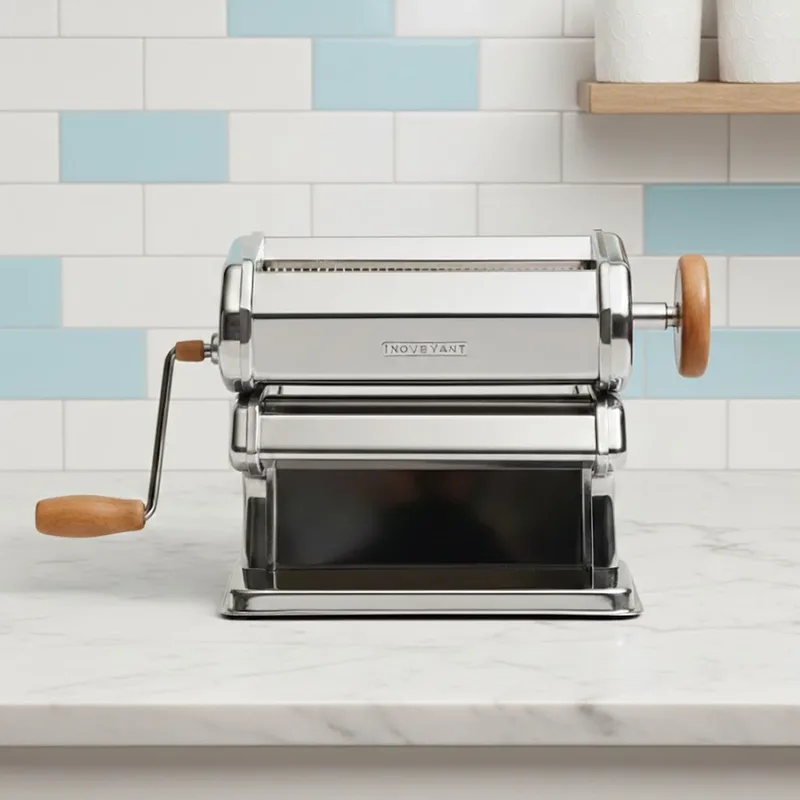
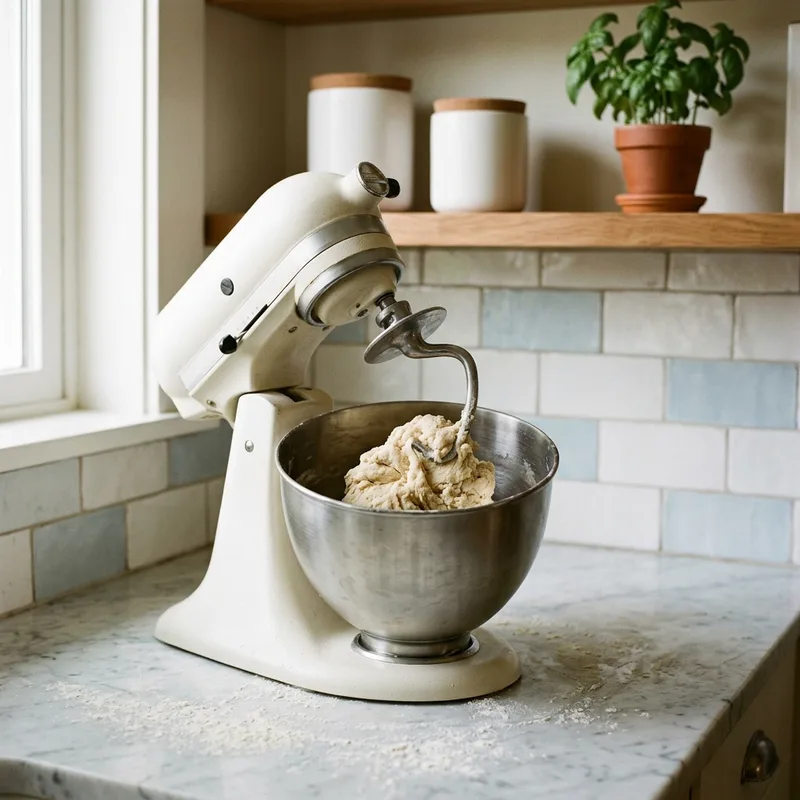
If yours comes back without the video or without the products, you have found a gap worth fixing now rather than after a thousand people have used it. A missing video usually means the account is not connected, or the post is older than the first indexing batch. Missing products means step three is incomplete.

Ready to connect your first account
Setup takes about 10 minutes, and the trial includes AI answers so you can test it properly.
Start nowAfter it is live
Two habits are worth keeping. Read the question log weekly, because it is the most honest audience research you will get and it tells you which products people keep circling back to. And say in your captions that the link answers questions, because a bio link nobody knows is different gets tapped like a link list.
When you want more channels you add them from the dashboard. The same agent answers on your site chat widget, your bio link, WhatsApp Business, Instagram DM and Facebook Messenger, and stepping in yourself pauses it automatically. Plans are billed by AI answer rather than by channel and are on the pricing page. For what to do with it once it is running, see monetizing your bio link and the creator overview.
Keep reading
Set it up and ask it something
Connect one account, give it your five most-asked questions and see what comes back. There is a 30-day money-back guarantee.
Start nowFrequently asked questions
How long does it take to set up?
The setup itself takes about 10 minutes. Reading your existing content takes longer and runs in the background, so the first batch of posts can take up to an hour to become answerable. You can connect everything and come back to it.
Do I have to give Port8 my social media passwords?
No. You connect through the platform's own authorization screen, the same way any app connects to Instagram, and Port8 reads the public posts and captions you have granted access to. You never hand over a password, and you can revoke access from your own account settings at any time.
Can I use the same link on Instagram, TikTok and YouTube?
Yes. It is one link with one agent behind it, so you paste the same URL into every bio. The agent reads all the connected accounts together, which means a follower who found you on TikTok can ask about something you only posted to Instagram.
What happens when a follower asks something the agent does not know?
It says so rather than inventing an answer, and points them back to you. Those questions are worth reading, because a gap is almost always a caption you never wrote rather than a fault in the setup, and writing that caption fixes it permanently.
Can I change how it sounds?
Yes. You set the name, the tone, and any answer you always want phrased a particular way, for example how you handle sizing questions or a discount code you want mentioned. Most of the personality comes from your own captions, so the settings are for steering rather than for building a voice from nothing.
Does this only work as a bio link?
No. The same agent answers on your site chat widget, your bio link, WhatsApp Business, Instagram DM and Facebook Messenger. You add the extra channels from the dashboard when you want them, and they share one brain, so there is nothing to set up twice.